See how it works.
Short, real recordings of Ariolos doing what it does — no mockups — plus step-by-step guides for every feature. Start with the overview, then dive in.
Start here
Compose with words
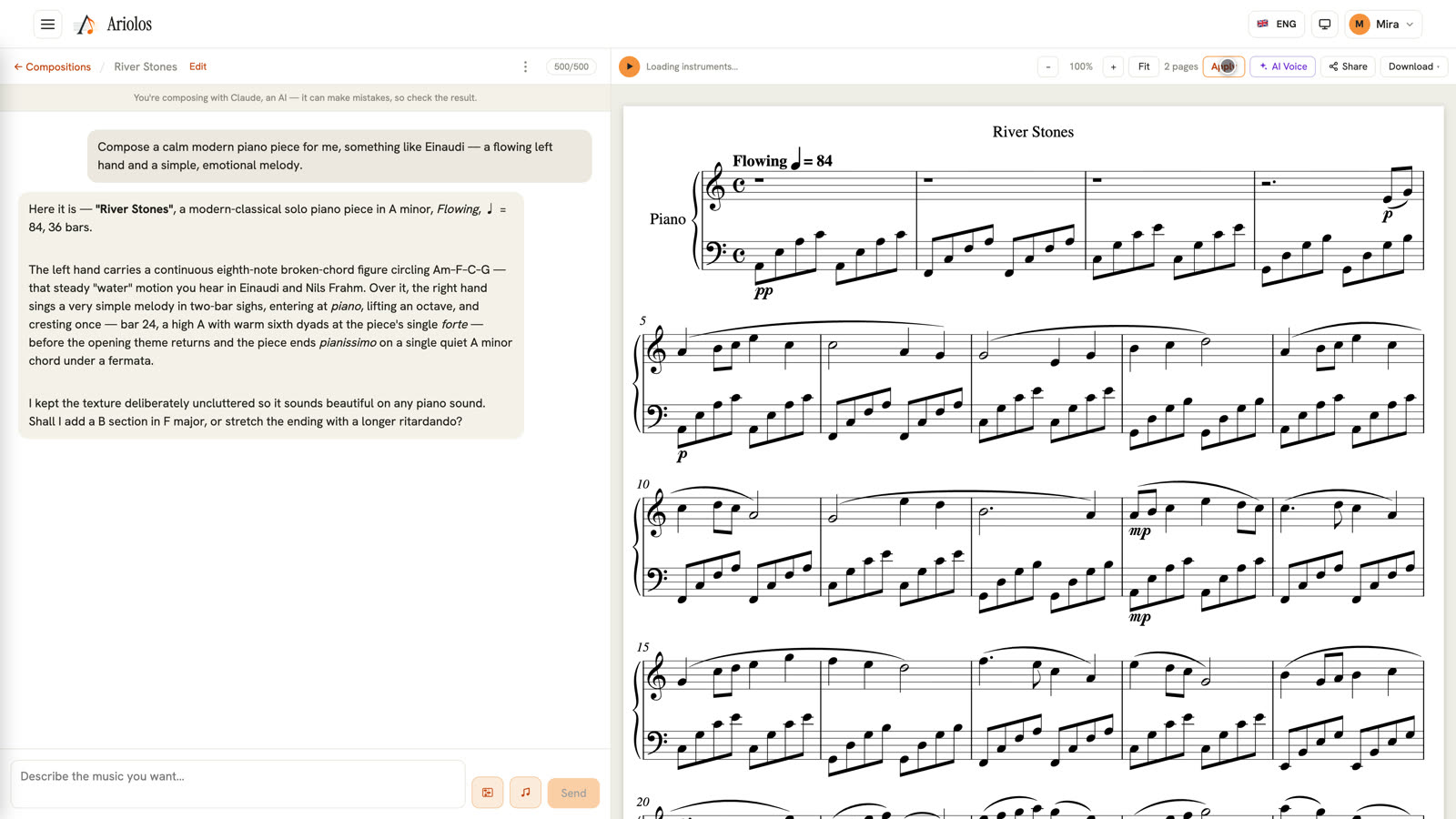
The core of Ariolos: you describe the music you want — a film cue, a pop song, a string quartet — and Ariolos composes it, engraves it to publication quality, and explains what it wrote. The video shows one complete round: prompt, composition, live playback, and a follow-up request.
- Create a composition and describe your music in the chat — style, mood, instruments, anything.
- Ariolos writes the score and explains its choices; the engraved pages appear next to the chat.
- Press play to hear it live, then keep chatting to shape it: "make the ending bigger", "add a cello"…
Features, one by one
Live playback
Every score plays instantly in your browser — no exports, no waiting. A cursor follows the music bar by bar, and the score is the controller: click any bar to jump there.
- Press the play button in the toolbar — the current bar lights up as the music runs.
- Click any bar in the score to jump — playback follows immediately.
- Toggle the premium Symphony sound for orchestral scores, or keep the standard sound.
Edit the score by hand
Chat is not the only tool: Manual mode turns the score itself into the editor. Click a note to select it, then transpose it by dragging, change durations, add dynamics, hairpins, ties and ornaments — every change becomes a new version you can always go back from.
- Open a composition and switch to Manual mode in the score toolbar.
- Click a note (or click-drag a range) to select it — the edit palette appears.
- Drag a note up or down to transpose it, or use the palette for durations, dynamics and more.
- Every edit is saved as a new version right away — switch back to Ariolos mode to see the engraved score.
AI Voice — hear your lyrics sung
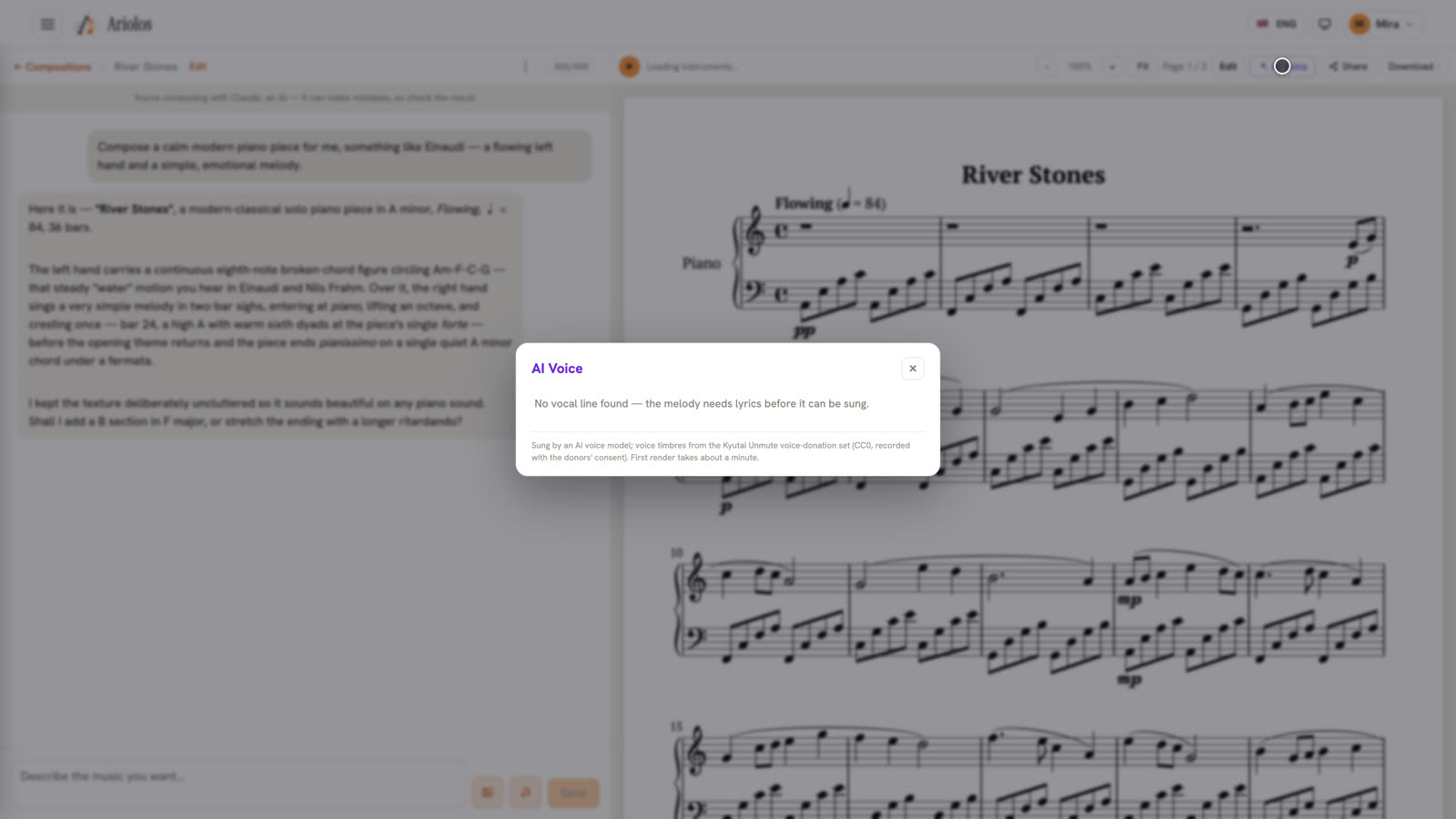
If your piece has lyrics, Ariolos can sing them. Pick a voice, and the vocal line is performed over your accompaniment — a real preview of your song.
- Compose a song with lyrics (or ask Ariolos to add lyrics to a melody).
- Open AI Voice in the toolbar and choose one of the singing voices.
- Play the piece — the voice sings your words over the band.
Take your music anywhere
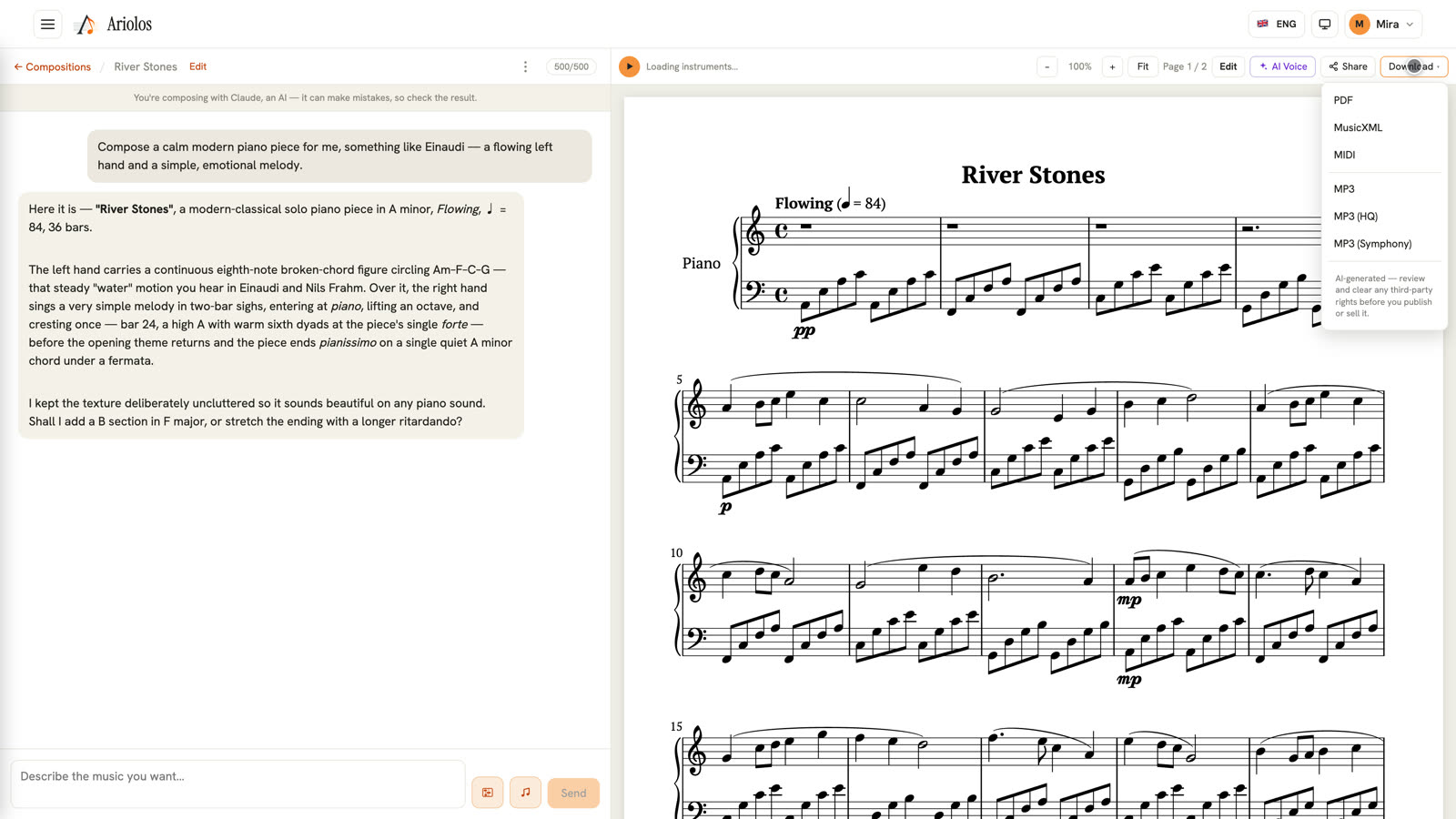
Your composition is never locked in. Download the engraved PDF, the MusicXML for any notation software, the MIDI, or ready-to-share MP3 audio — or share a link that plays right in the browser.
- Open Download in the score toolbar.
- Pick PDF, MusicXML, MIDI or MP3 — rendered from the exact version you see.
- Or press Share to give anyone a listen-and-view link, no account needed.
Compose something now
Type an idea — hear the first four bars in seconds. No sign-up to start.
Your next piece is one
sentence away.
Describe what you hear in your head. Ariolos writes the rest.
Start composing free